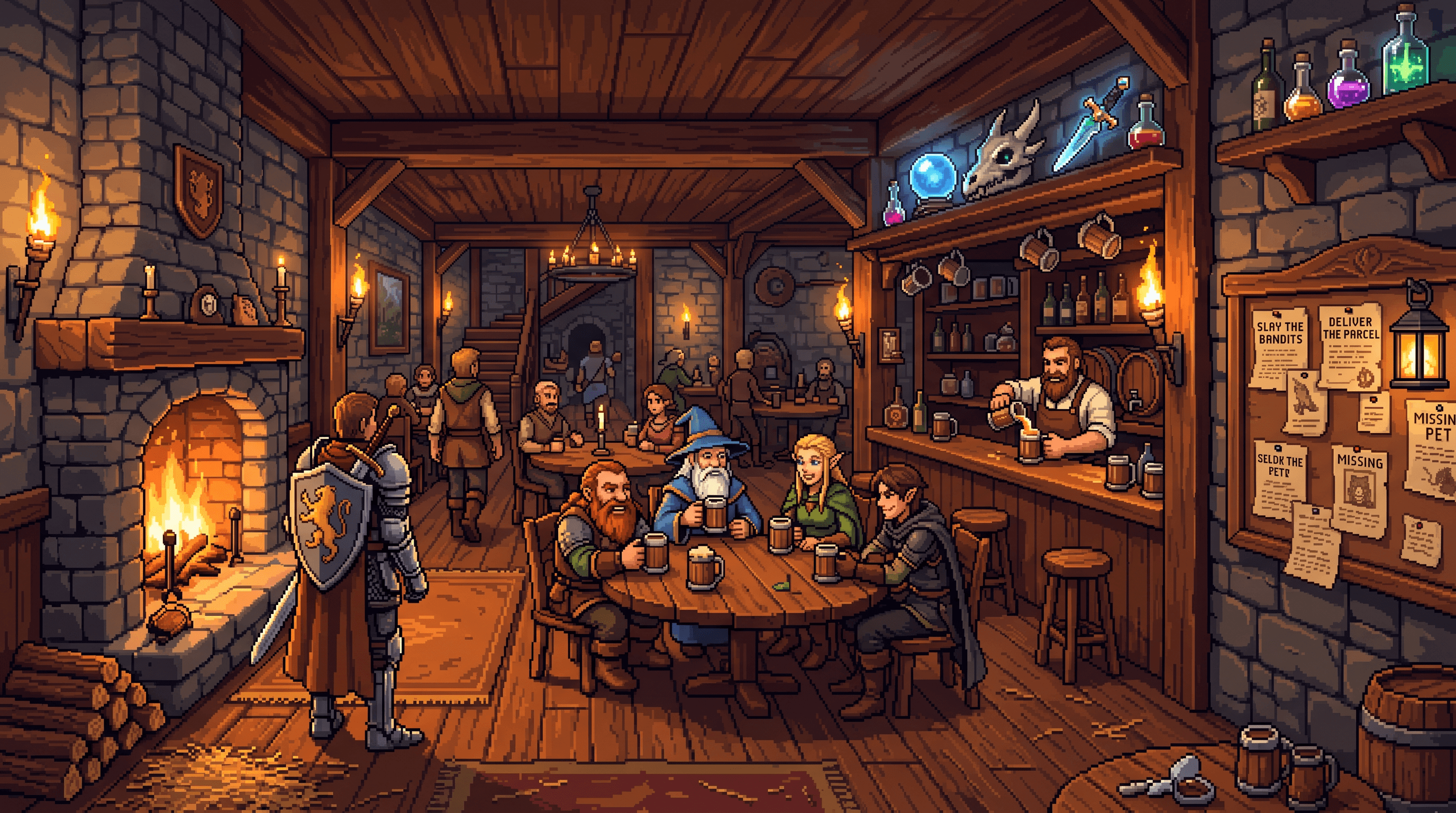
A quest board beats a vague to-do list.
FlowQuest asks for the outcome first, then turns the next action into a timed, finishable run.
Focus for ADHD minds and remote teams
FlowQuest gives planning, focus sessions, and recovery a game loop: choose the quest, enter the room, finish the block, and keep your momentum visible without pretending every day is perfect.
Why FlowQuest works
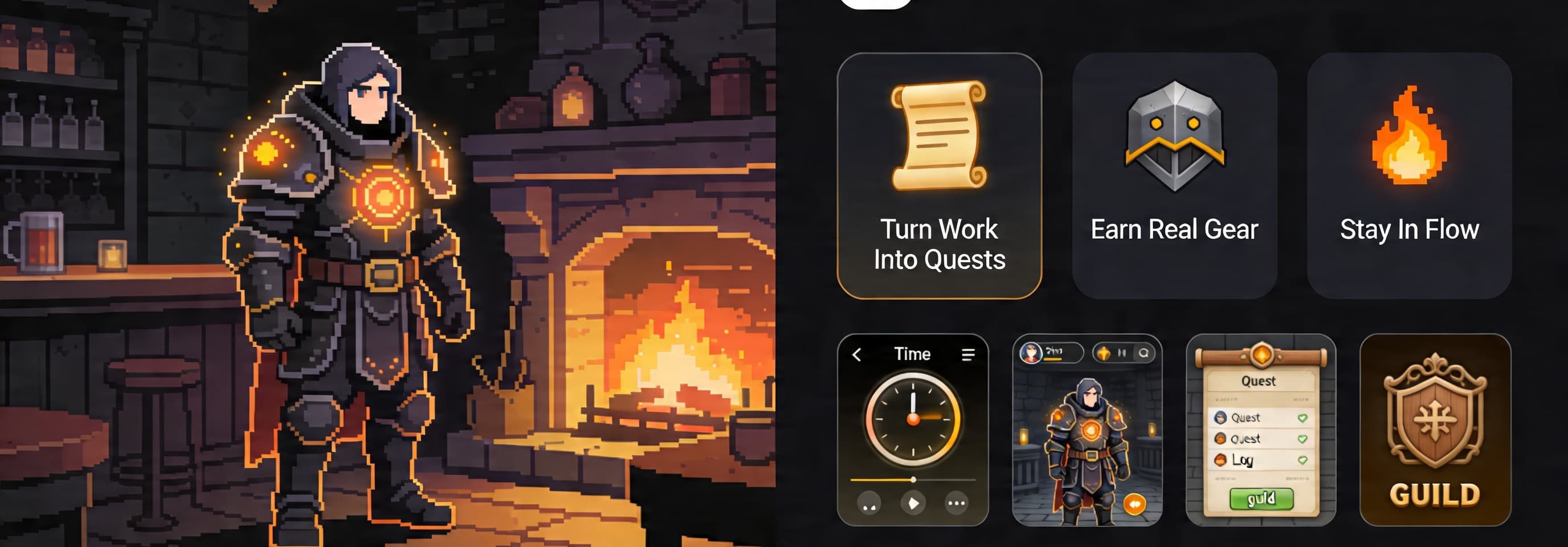
The fantasy layer is not decoration. It gives attention a place to start, a room to stay in, and a reward state that makes the next session easier to choose.
FlowQuest asks for the outcome first, then turns the next action into a timed, finishable run.
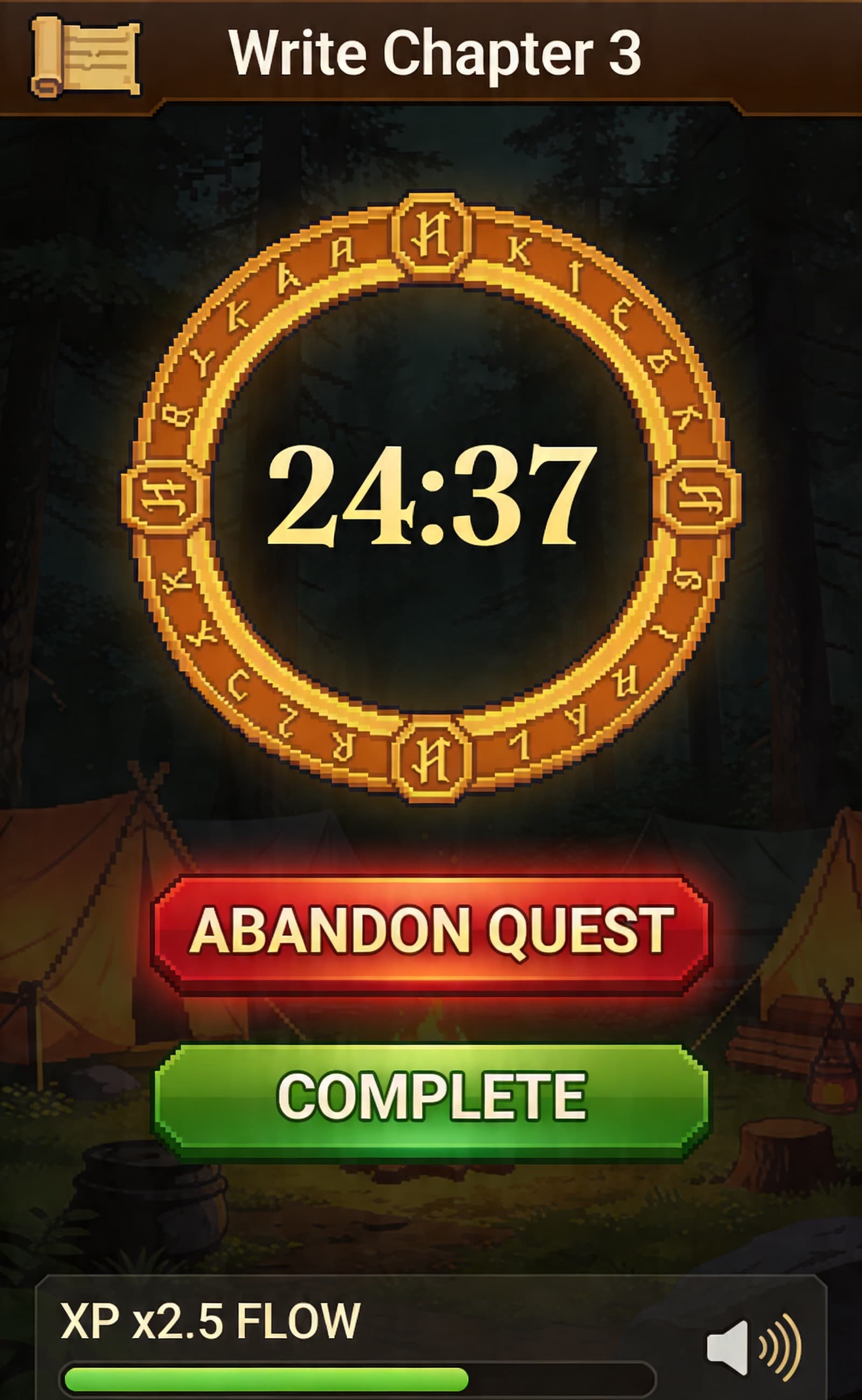
The timer, session state, and task context stay together so the work does not dissolve into tab drift.
Remote teammates can show up for shared focus windows without turning productivity into monitoring theater.
Rewards, logs, and restart prompts make consistency practical when energy, meetings, or attention fluctuate.
How it works
The product language stays playful, but the workflow is practical: every session has a target, a timer, and a clear next decision.
Convert a scattered task list into one clear objective with a visible finish state.
Start a timed session, protect the window, and keep the next action visible.
Complete the block, bank the reward, and decide whether to chain another session or recover.
Product preview
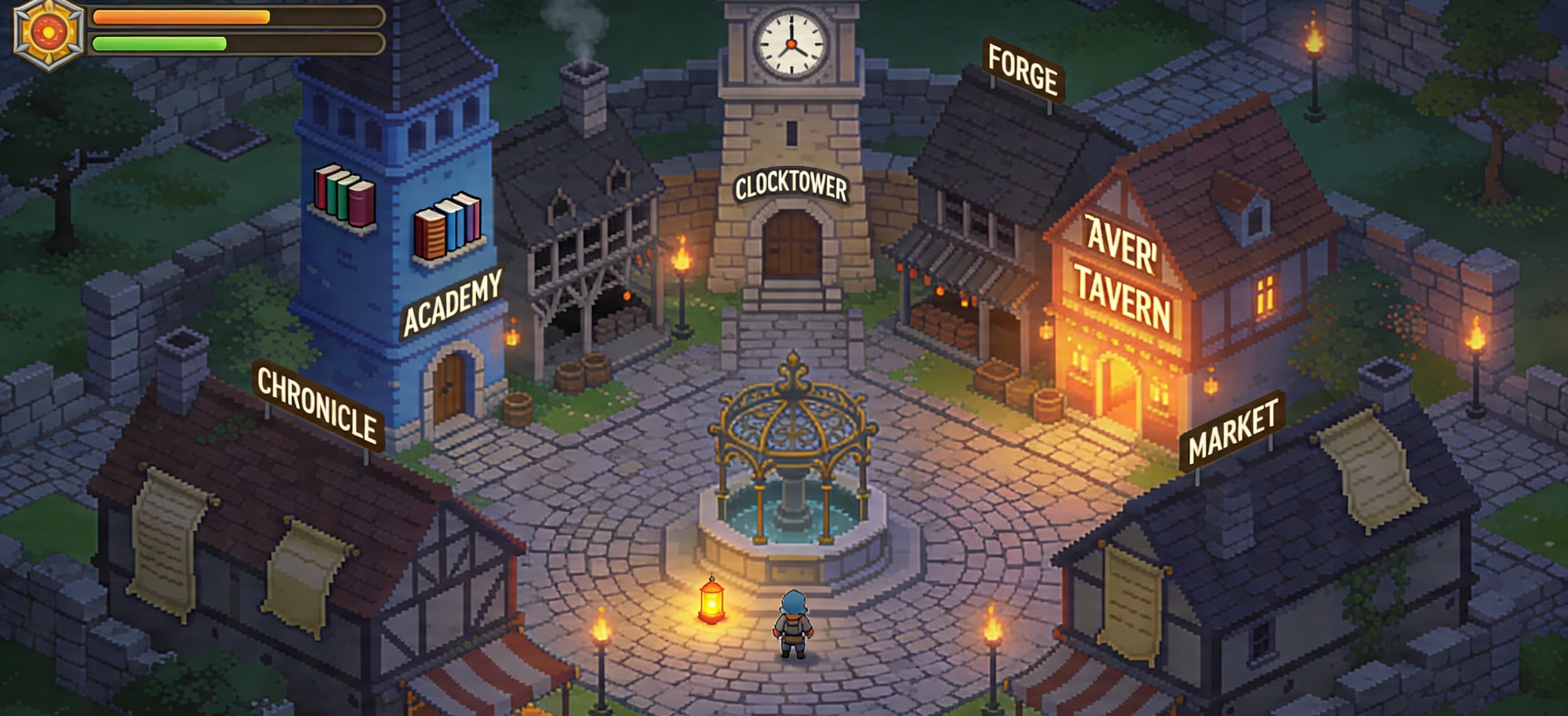
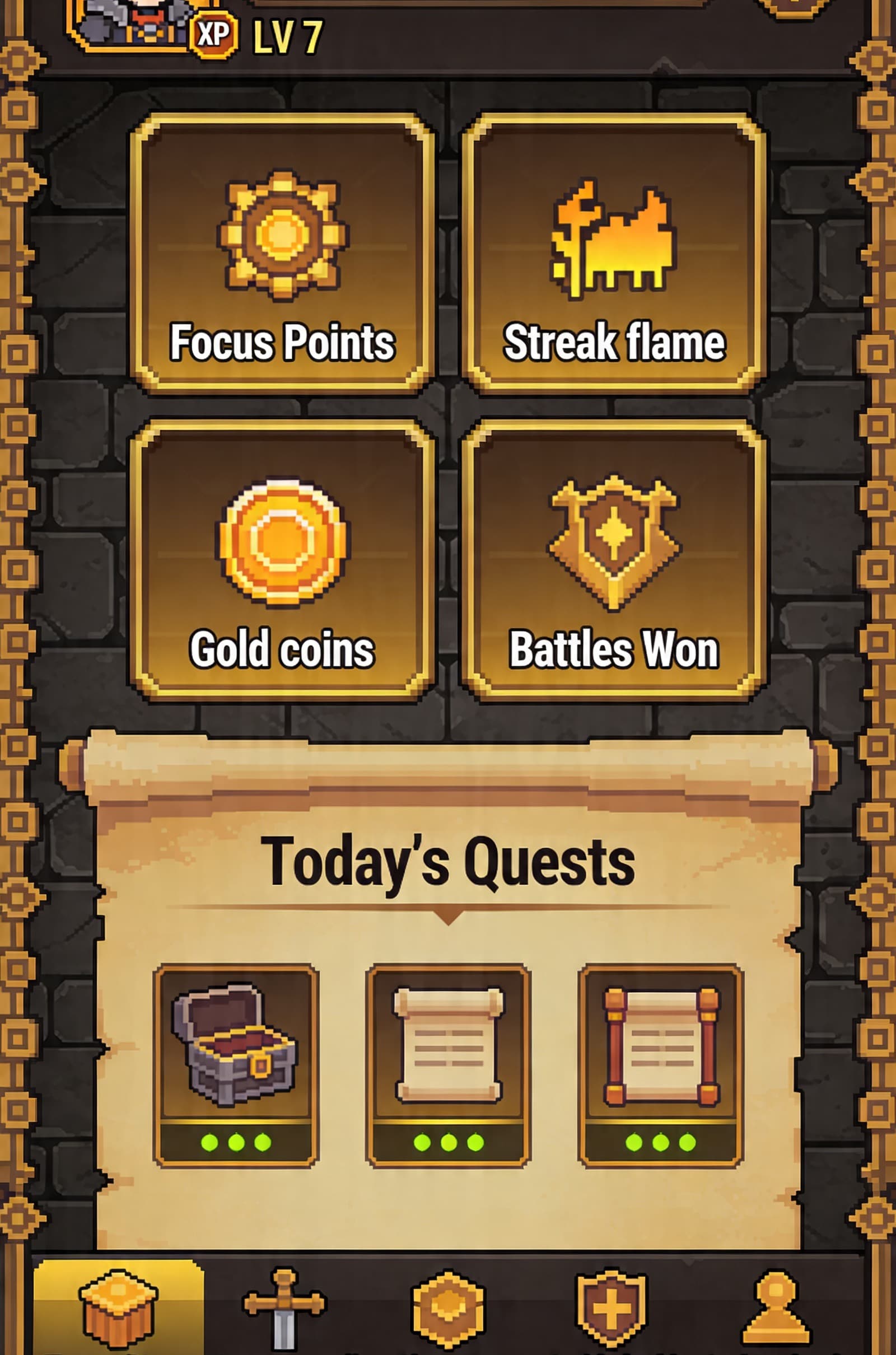
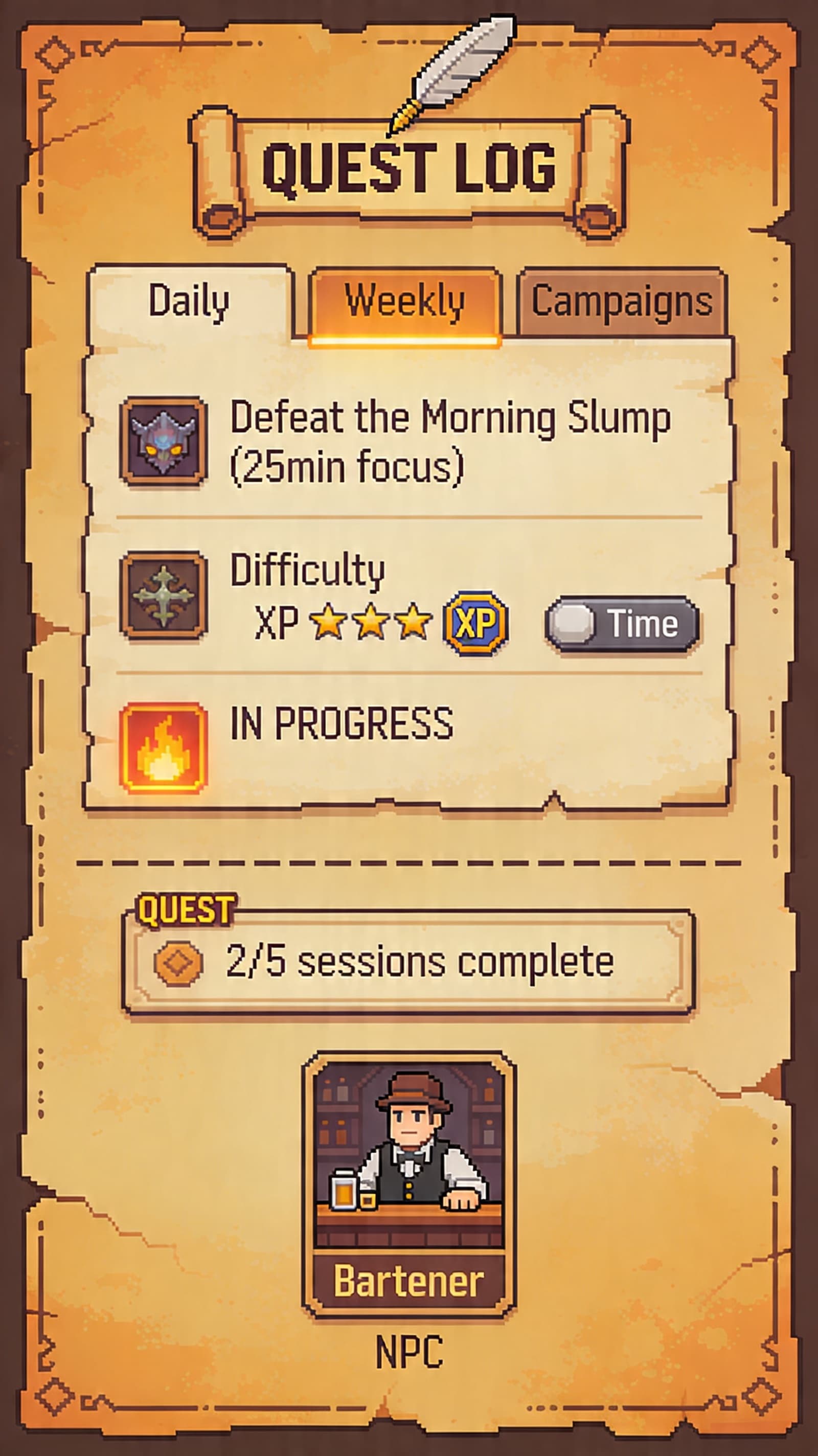
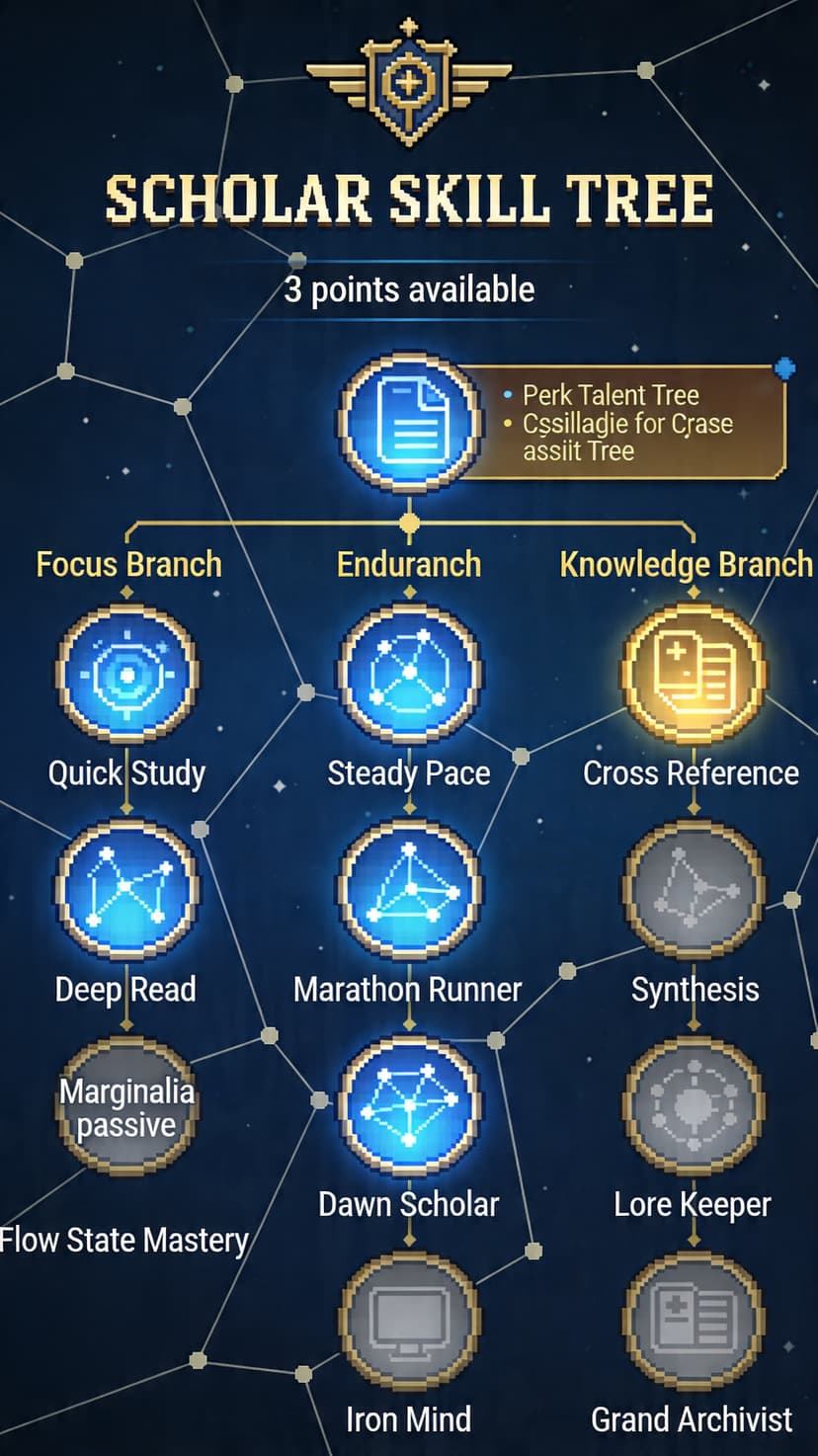
Town square, quest log, inventory, and skill tree screens make the progress system visible before a visitor ever opens the app.
Class paths
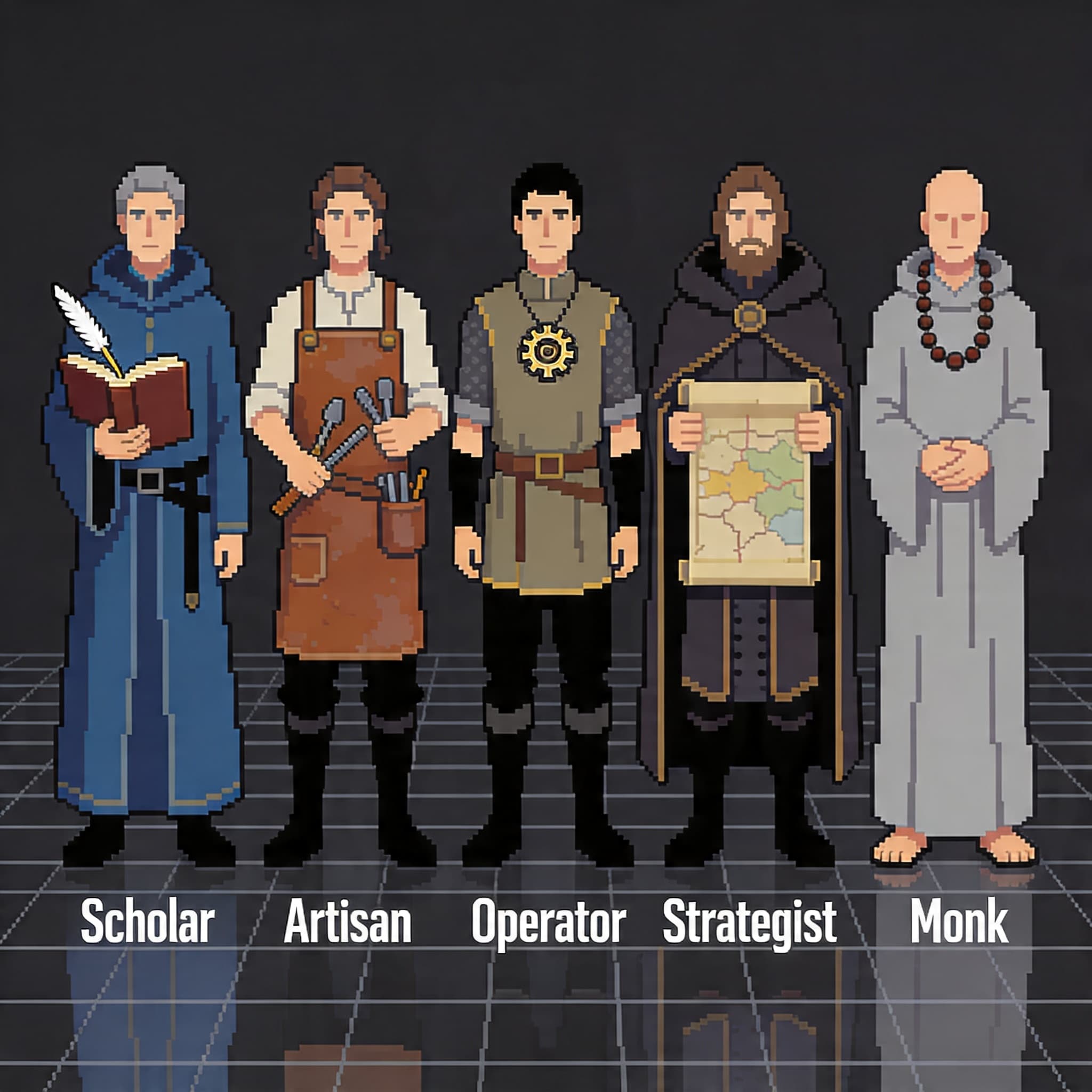
Deep work, reading, synthesis, and slow-burn research.
Execution loops, inbox control, and tactical daily throughput.
Creative production, drafts, design passes, and craft reps.
Planning, prioritization, retros, and team operating rhythm.
Quest systems
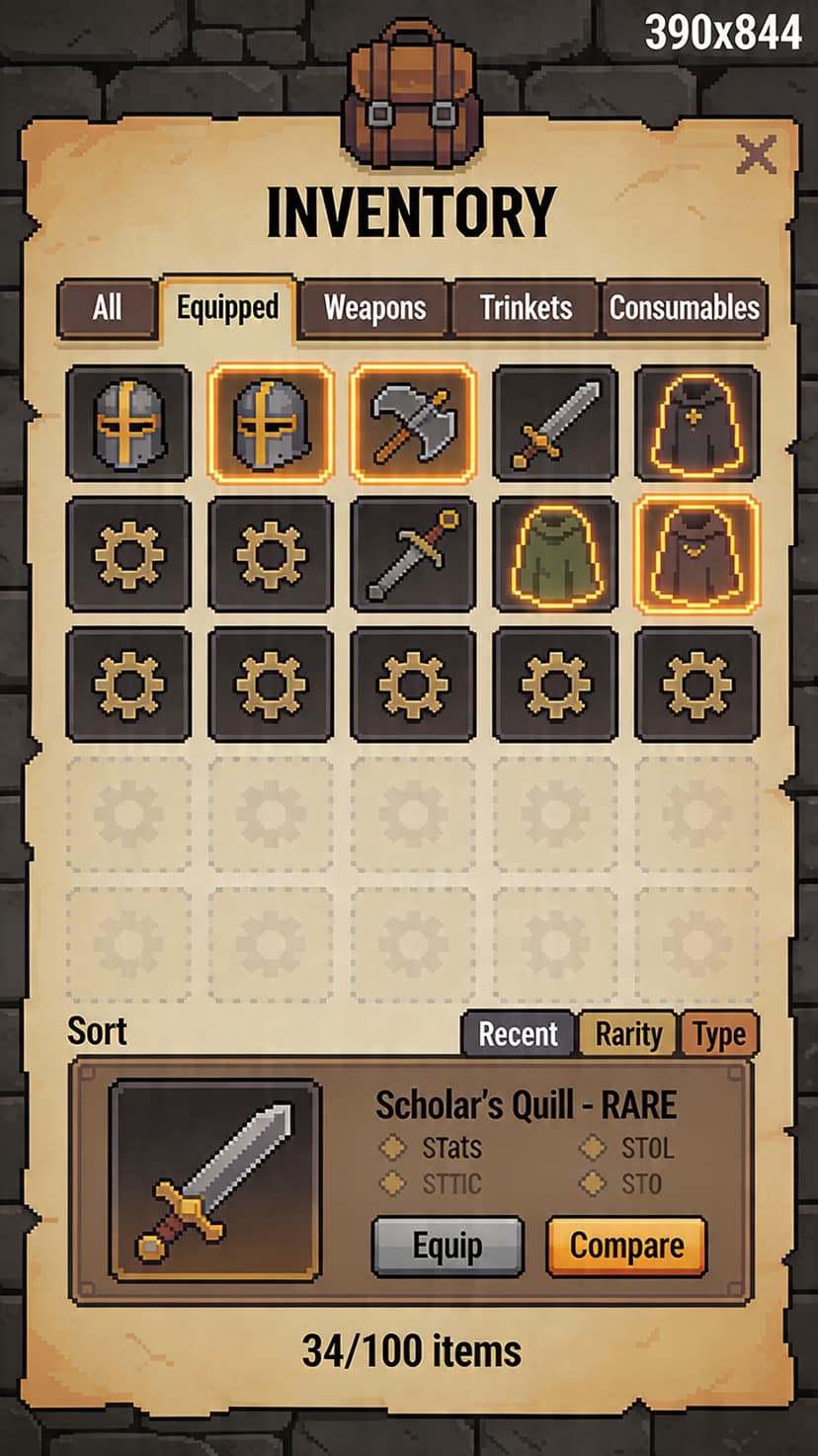
Inventory, skills, and completion states give effort a place to land. The interface keeps reward close to the work, not buried in a weekly report.

Why it converts
| Habit problem | Most tools | FlowQuest |
|---|---|---|
| Plain timer | Counts down a block. | Names the quest, room, reward, and restart decision. |
| To-do list | Stores work as loose tasks. | Turns the next action into one visible finish line. |
| Streak app | Makes missed days feel like failure. | Keeps XP, history, and recovery intact after a miss. |
| Team status | Asks for updates after the work. | Creates shared focus rooms before the work starts. |
Latest guides
A practical system for turning scattered tasks into focused sessions without burnout.
2026-01-10 / 9 min readCompare structured and flexible focus methods and decide which is right for your schedule.
2026-01-12 / 7 min readA lightweight operating rhythm for distributed teams that need calm execution.
2026-01-15 / 8 min readOpen the tavern