01
Pick a quest room
Choose a room that fits the session. The room gives the work a setting before the timer starts.
- The environment sets the tone
- The next action stays visible
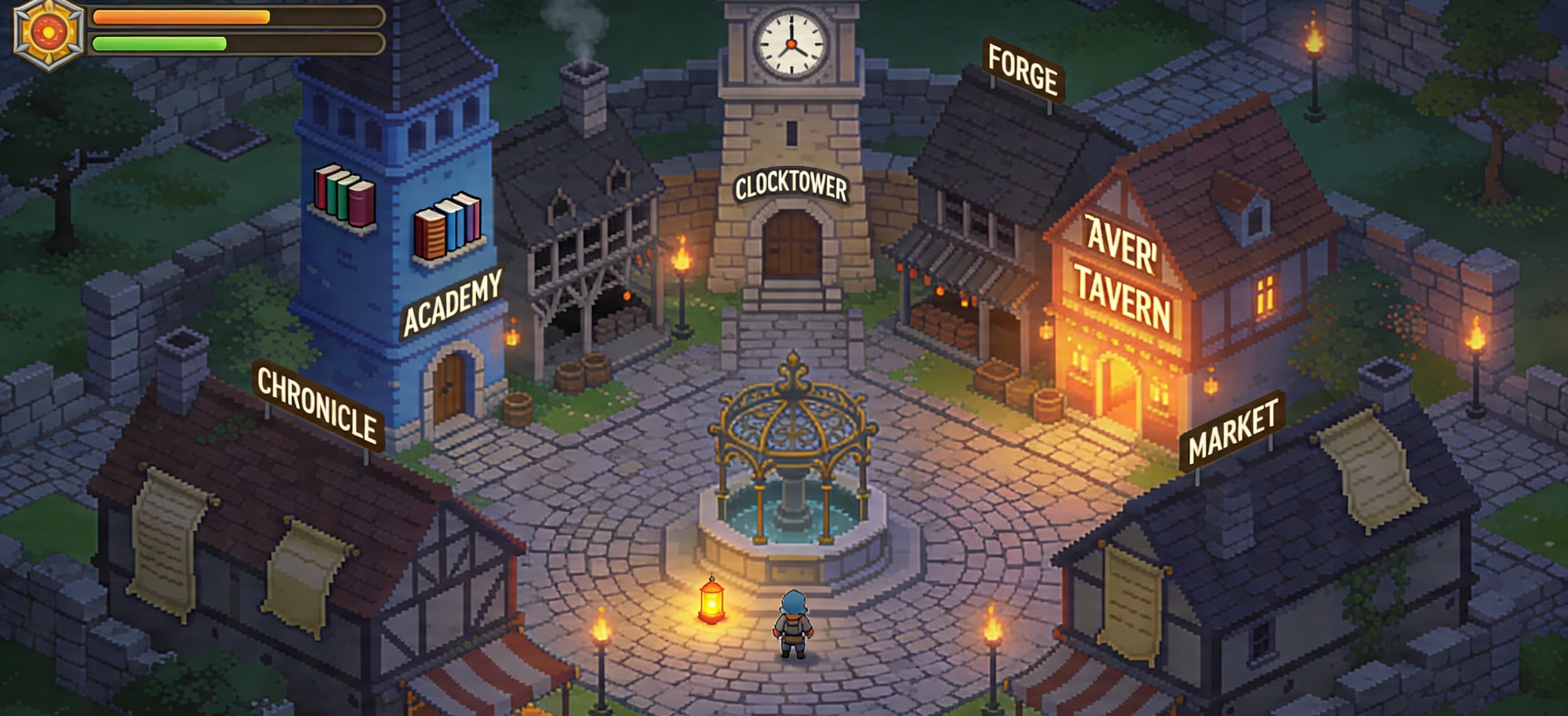
Quest loop
FlowQuest is a short operating loop: choose the quest, enter the room, finish the focus window, and make progress visible enough to choose the next session.
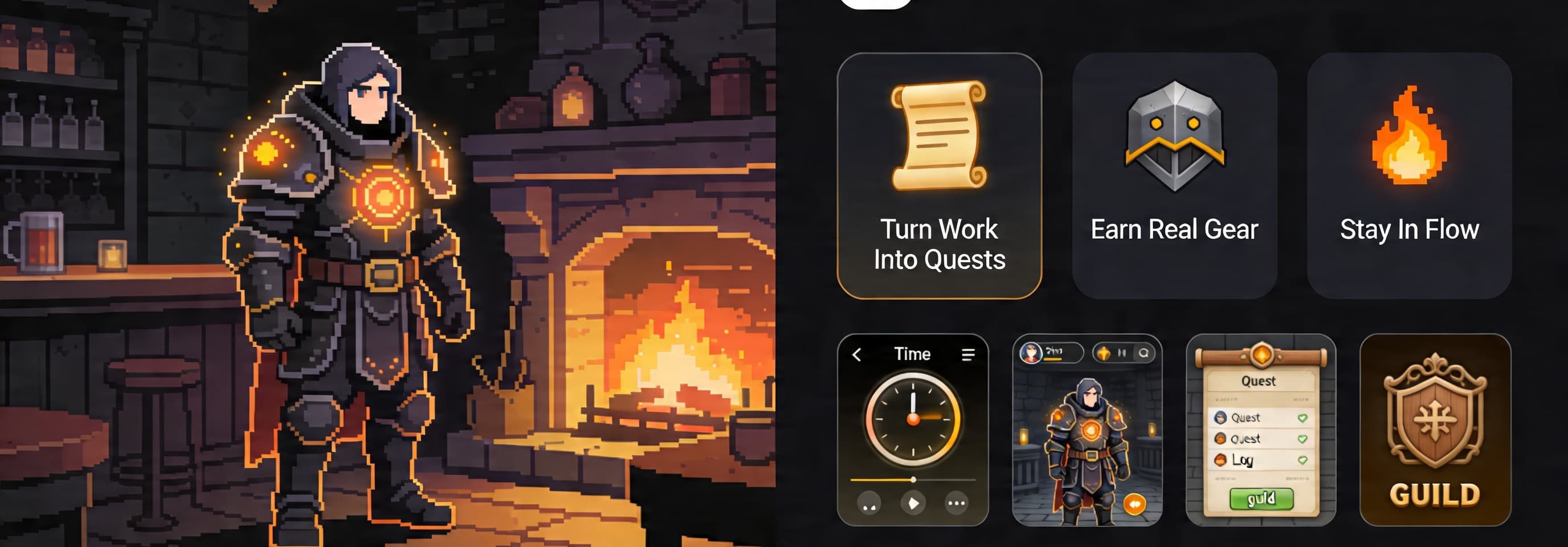
Choose a room that fits the session. The room gives the work a setting before the timer starts.
Use a short starter block, a classic Pomodoro, or a longer deep-work session. The window should fit the task and the energy you actually have.
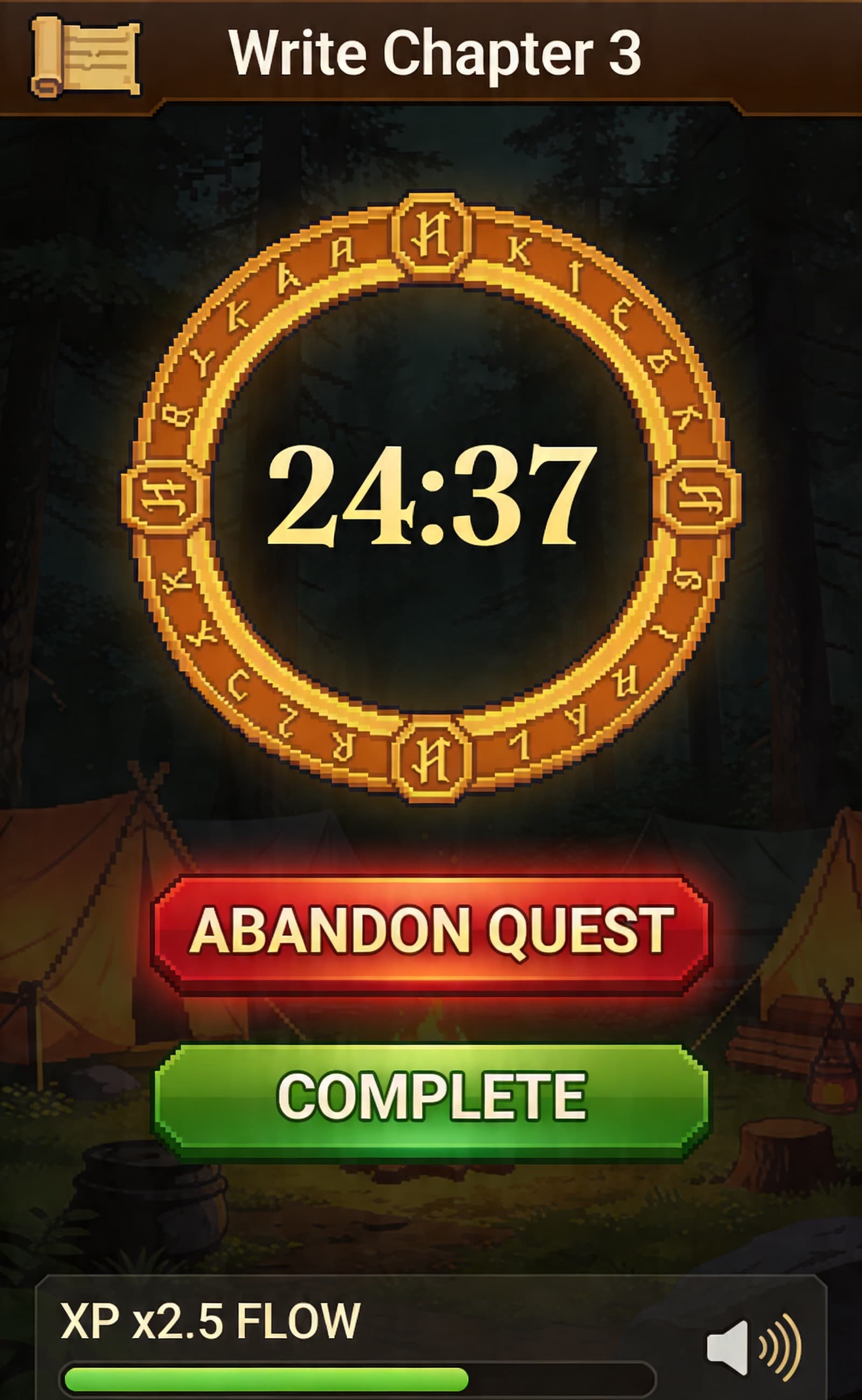
Open the room and keep the task, timer, and progress state in one place. Pro can add boss fights when you want stronger consequence and reward.
When the window ends, FlowQuest closes the loop with a completion state instead of leaving effort invisible.
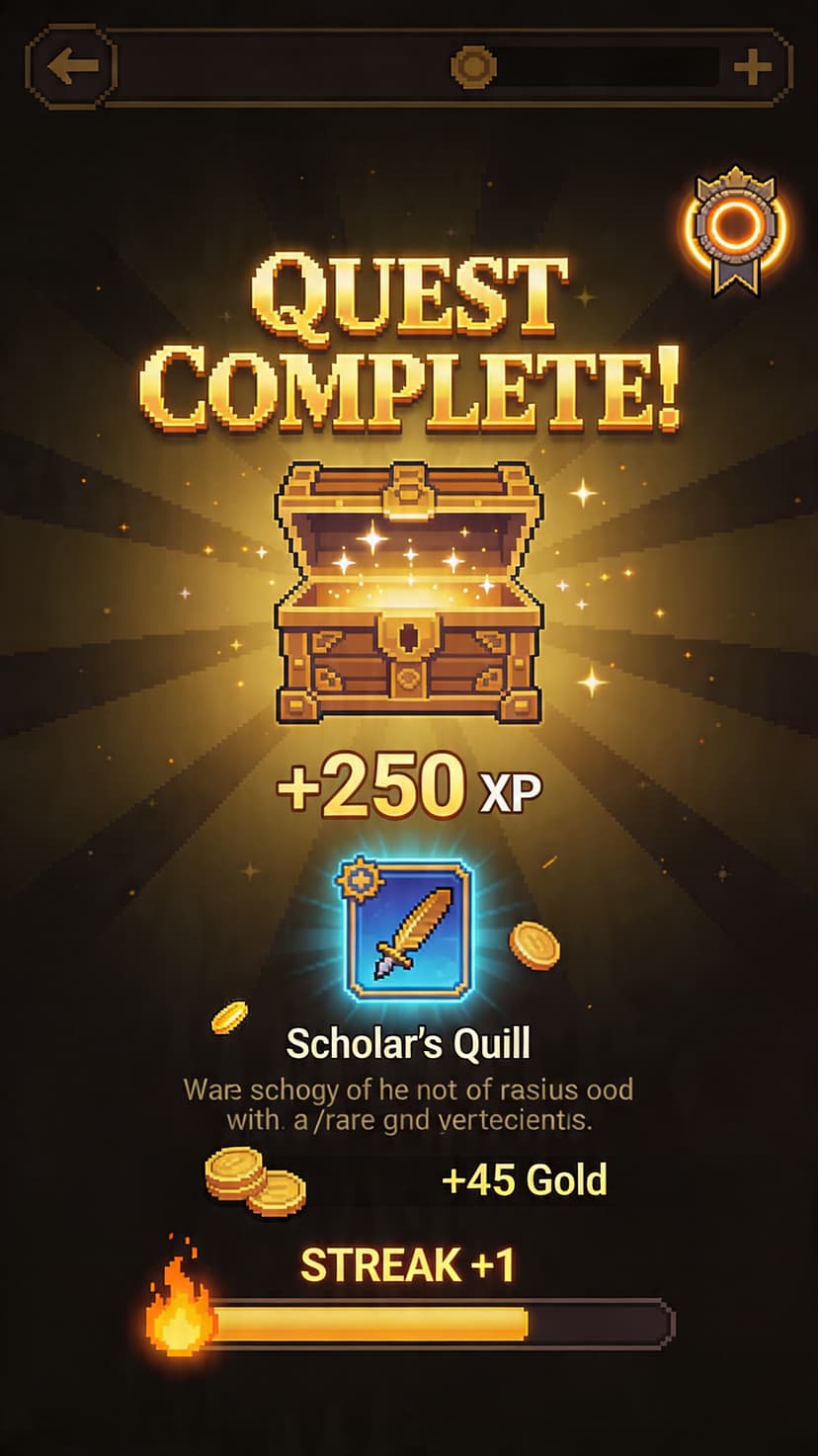
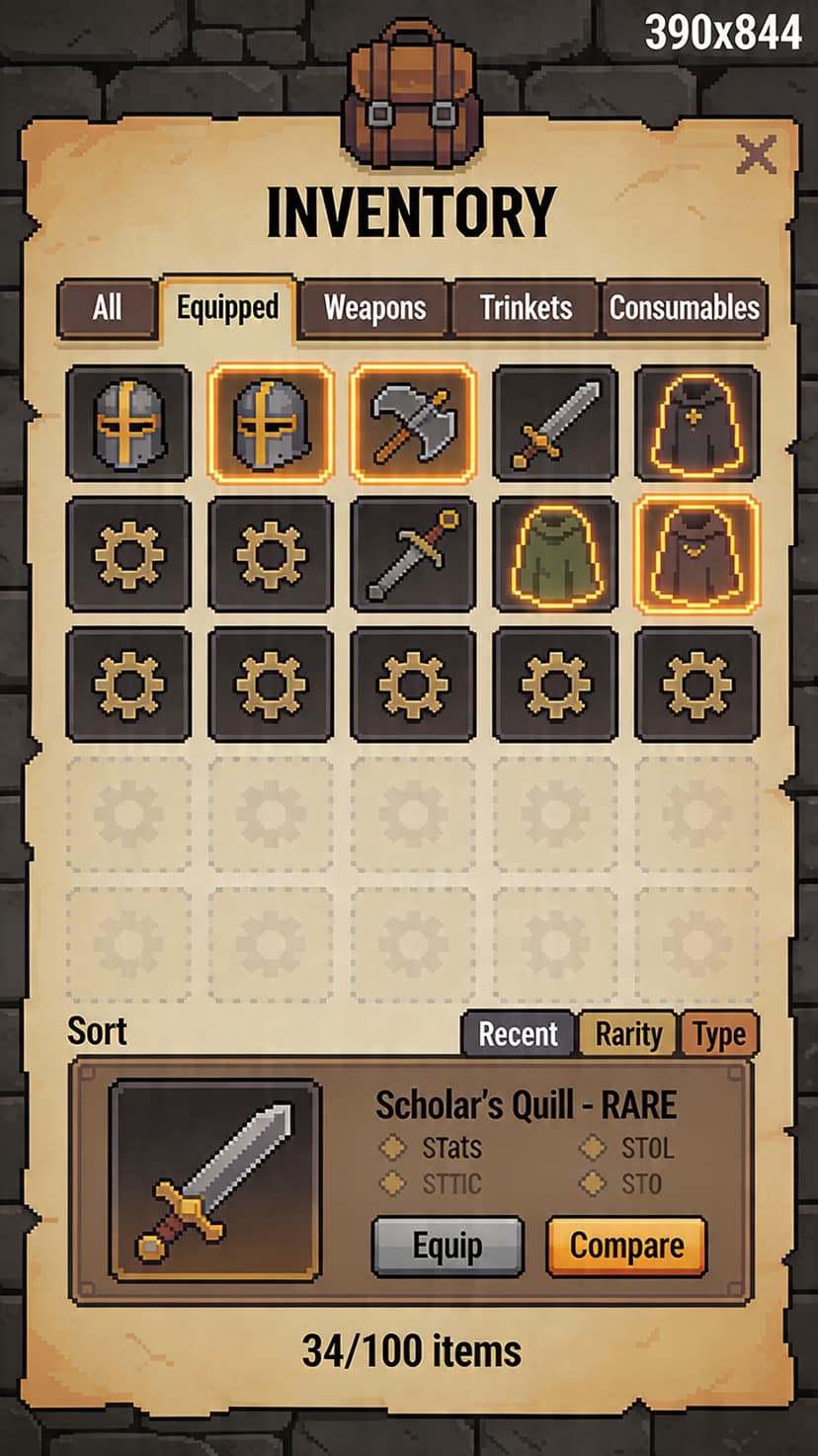
XP, streaks, loot, equipment, and logs give effort a place to land. The reward layer is there to make the next session easier to choose.
Invite a friend or teammate into the same focus window. Co-presence keeps accountability social without turning it into monitoring.
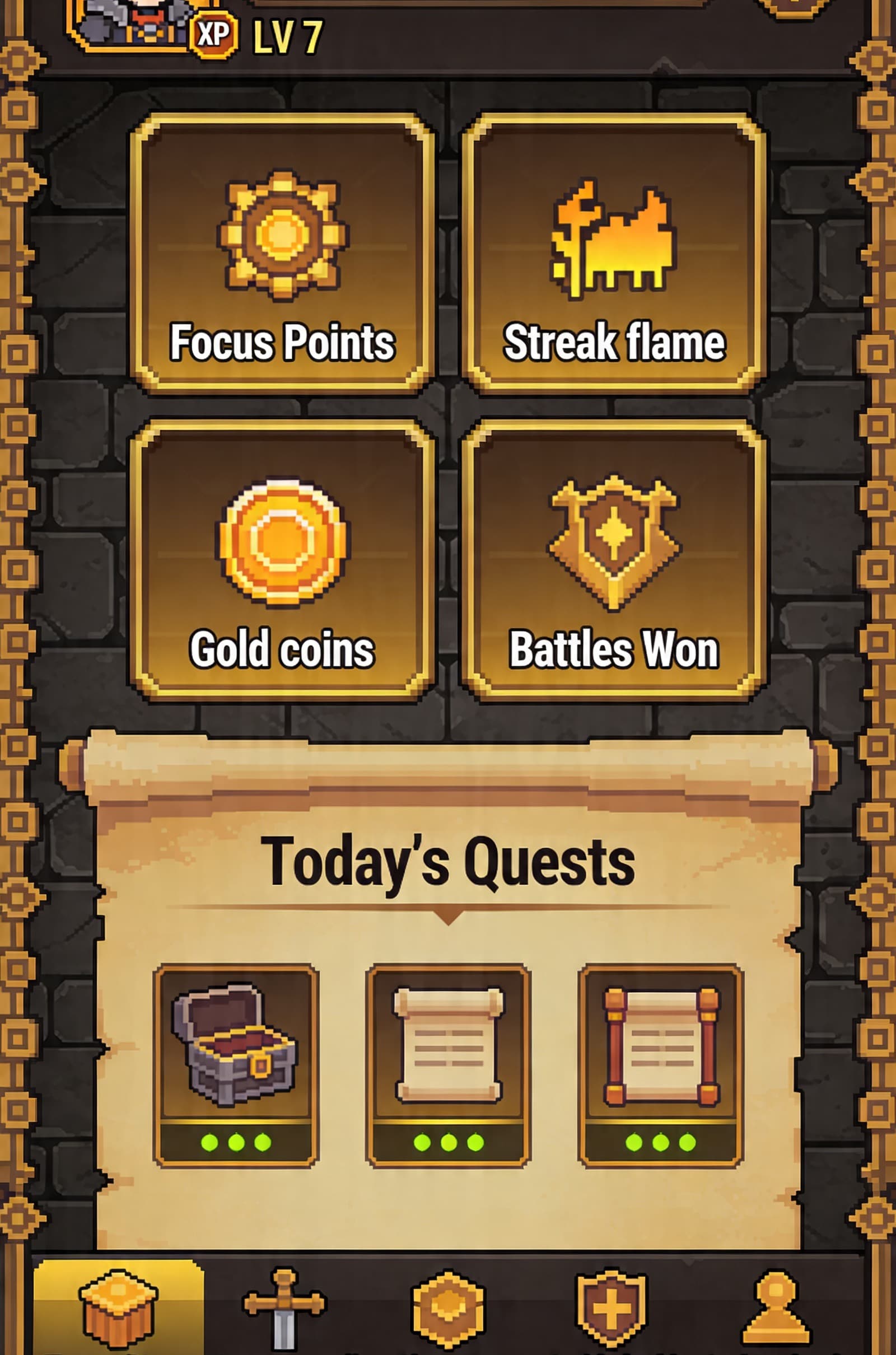
Use logs, heatmaps, and session history to see when focus is easiest, where momentum breaks, and which room rhythms help.
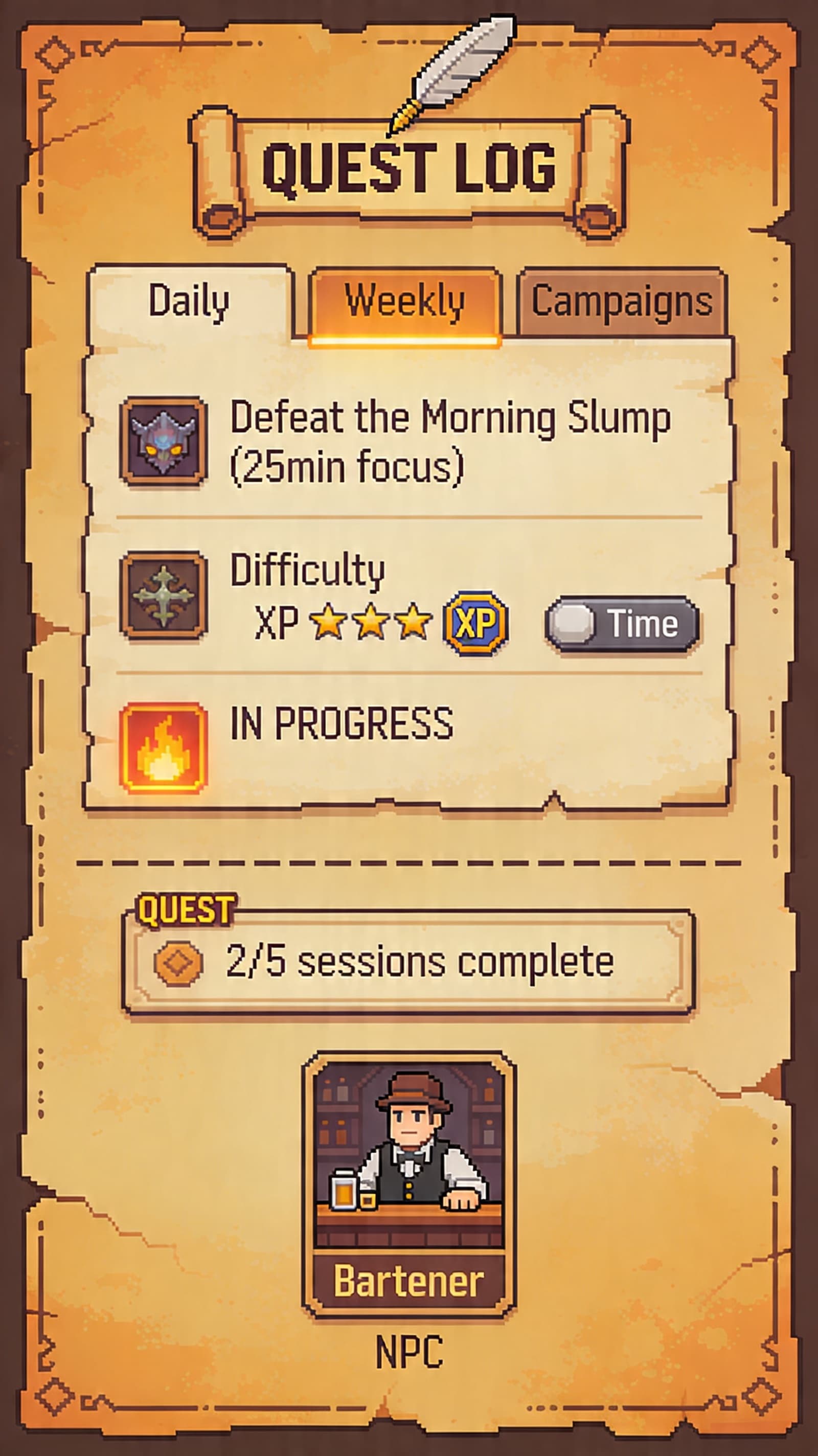
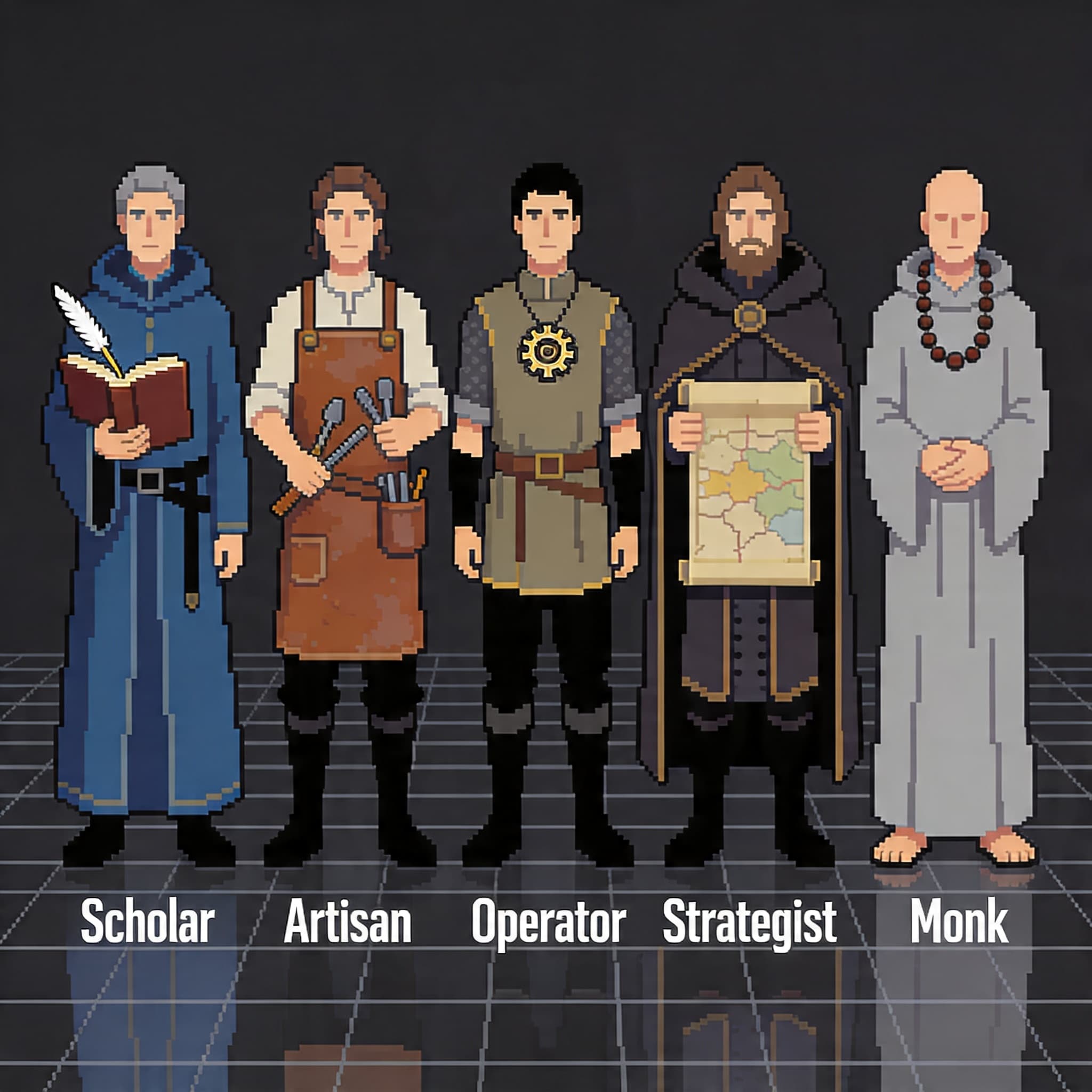
As sessions compound, new paths and progression surfaces keep the habit from flattening into another plain timer.
Questions
These are the operating details visitors need before they start a first room.
No. Start focusing immediately. Optional account features can add sync and Pro systems.
Once loaded, the timer can keep the focus window running. Sync-backed progress updates when connection is available again.
The timer is designed around commitment. Use a shorter focus window when the day is uncertain, then recover after the session.
Rooms share the same focus loop, but each one changes the atmosphere. Pick the room that makes starting easier.
Yes, if you miss a day. But your total focus time + character level + equipment all stay. Only active streaks reset.
Upgrade in the app or from pricing. Free remains useful for the core timer; Pro adds boss fights, loot, guilds, private rooms, and analytics.
No sign-up needed. Pick a room, start a focus window, and see how the loop feels.